


Download Videos from Popular Websites
Support for downloading high-quality videos from TikTok, YouTube, Facebook, and over 40+ other websites!
Download videos from Blogger easily
Blogger.com, often referred to simply as Blogger, is a free blogging platform owned and operated by Google. Launched in 1999 by Pyra Labs and later acquired by Google in 2003, Blogger has become one of the most popular tools for creating and managing personal blogs. Blogger provides an easy-to-use interface that allows users to create blogs and publish articles without any technical knowledge. Users can customize the look of their blogs by using pre-made templates or creating their own. Blogger also integrates closely with other Google services such as Google AdSense, Google Analytics, and Google Search Console, making it easy for users to monetize their blogs and track their blog performance.
One of Blogger’s strengths is its free hosting with a subdomain of blogspot.com, but users can also use a custom domain if they wish. In addition, Blogger also supports mobile publishing, allowing users to write and manage blogs from their phones or tablets. With all these features, Blogger.com is an ideal choice for both beginners and veteran bloggers who want a stable and flexible platform.
With Taivideo.org, you can download videos from Blogger easily and quickly. This tool is completely free to use without any restrictions and does not require you to download any additional software or register an account, it also supports you to download different formats such as MP4, M4A, 3GP, MP3. In addition to Blogger, taivideo.org also supports video downloads from TikTok, YouTube, Facebook and Instagram and more than 40 other websites
Taivideo.org is the best & completely free website that helps you download and save high-quality videos for offline use or copy your videos that have been uploaded to social networking sites!
How to Download Videos from Blogger
Taivideo.org makes downloading videos from the Blogger.com website very easy. Here’s how to get started:
- Copy the link of the video you want to download.
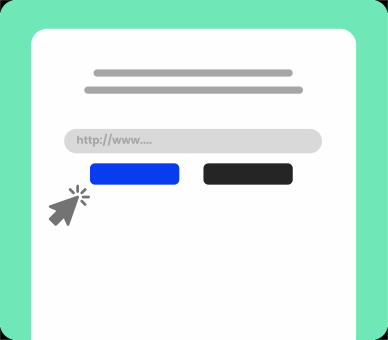
- Paste the video link into the search box at the top of this page, then click the DOWNLOAD NOW button or press Enter.
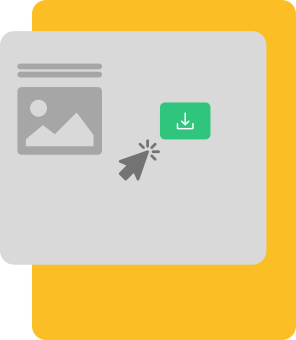
- Choose the video format you want to download from the results box, click on it, and download your video.